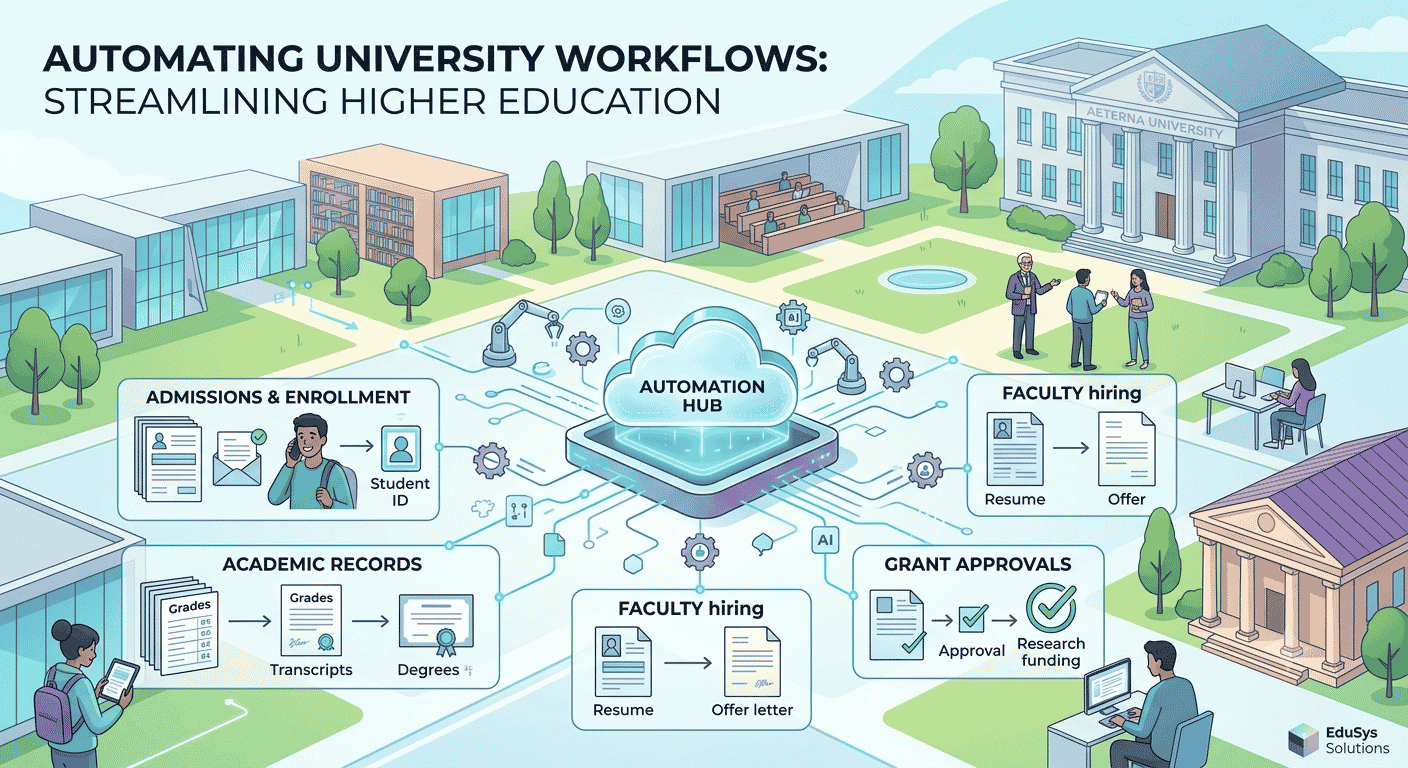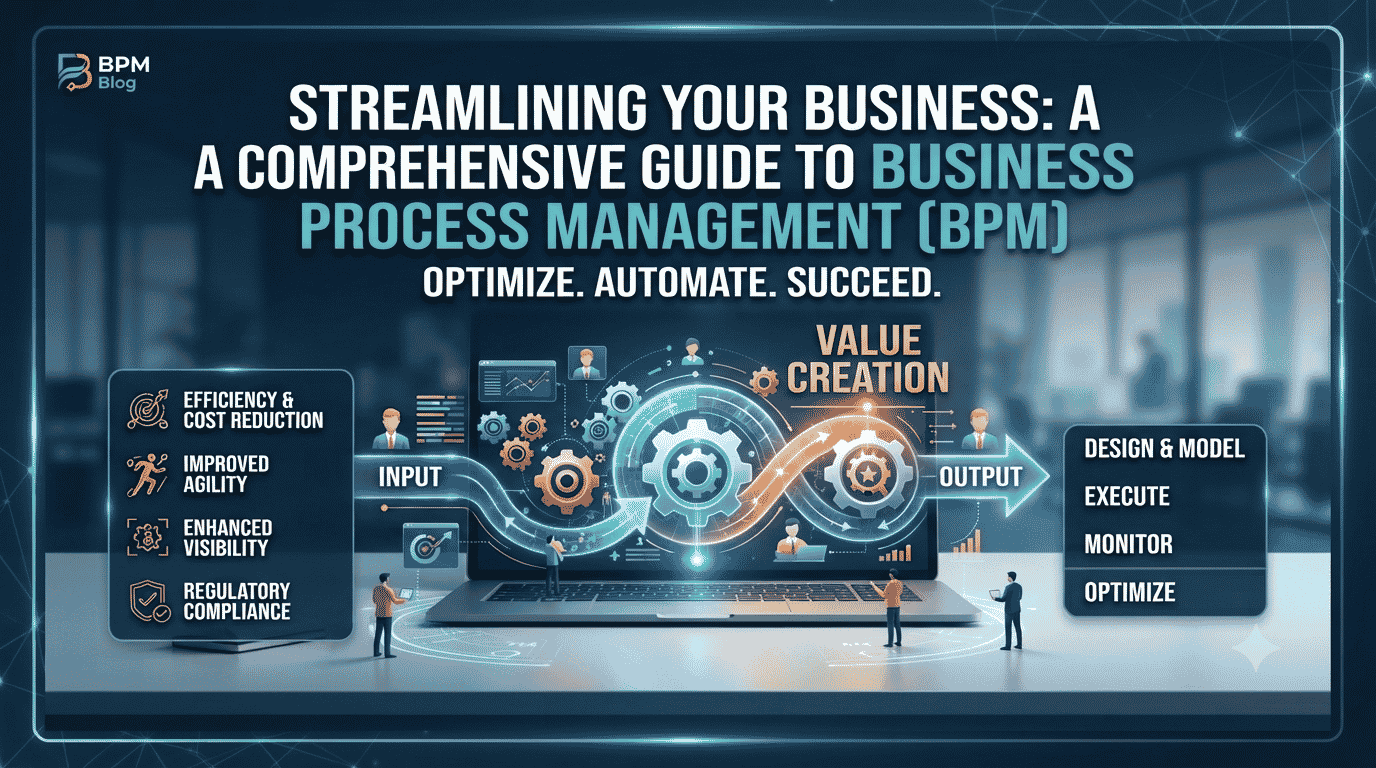

In 2026, business process automation (BPA) is no longer a competitive advantage — it’s a baseline requirement for any organization that wants to operate without bottlenecks, reduce human error, and scale with confidence. Yet despite the availability of powerful tools, most companies are still losing thousands of hours annually to manual, repetitive tasks that could — and should — be automated.
This guide breaks down everything you need to know about business process automation: what it is, how it works, where it delivers the fastest ROI, and — critically — why embedding quality assurance (QA) into every automation layer is the difference between a workflow that runs and a workflow that performs.
Based on our experience delivering 100+ automation and QA projects across enterprise and mid-market clients, we’ve seen firsthand what separates high-performing automation programs from expensive technical debt. The answer is almost always the same: disciplined process design, the right tooling, and QA built in from day one.
Whether you’re evaluating your first automation initiative or optimizing a mature digital operations stack, this complete guide gives you the strategic and technical foundation to move forward with clarity.
Why Manual Processes Are Still Creating Hidden Bottlenecks in 2026
It might seem surprising that manual processes remain a problem in the era of AI and automation — but the data tells a different story. Gartner’s research on hyperautomation consistently shows that most enterprises have automated fewer than 15% of their automatable workflows. The gap isn’t a technology problem. It’s a strategy and execution problem.
Here’s where the hidden costs accumulate:
- Manual data entry and re-keying across disconnected systems — introducing error rates that compound over time
- Email-based approvals for purchase orders, onboarding tasks, and compliance sign-offs — creating audit gaps and delays
- Siloed tools that don’t communicate, forcing team members to manually bridge the gaps between platforms
- Lack of process visibility — when no one can see where a request stands, escalations multiply and SLAs slip
- Inconsistent execution — the same process done differently by different people on different days
In our project work, we regularly encounter organizations where a single approval chain for a purchase order touches six different people, three different tools, and takes an average of four days — a process that, once automated, resolves in under two hours with zero manual intervention.
The bottleneck isn’t always visible. That’s what makes it dangerous.
The Limitations of Basic Automation — and Why “Task Automation” Isn’t Enough
Many organizations have taken a first step into automation using simple rule-based tools: scheduled scripts, basic if/then triggers, or point-to-point integrations between two platforms. This is a start — but it’s not business process automation.
Basic task automation handles isolated, low-complexity actions. True business process automation orchestrates entire end-to-end workflows across systems, teams, and data layers. The distinction matters because:
- Task automation breaks when conditions change; BPA adapts through configurable business rules
- Task automation creates new silos; BPA integrates existing ones
- Task automation has no error-handling; BPA includes exception routing and automated alerts
- Task automation can’t be audited end-to-end; BPA creates full process logs for compliance
The operational ceiling of basic automation is low. Organizations that plateau there often feel like they’ve “tried automation and it didn’t scale” — when in reality, they’ve never deployed automation at all. They’ve deployed shortcuts.

What Is True Digital Process Automation?
Business process automation (BPA) is the use of technology to execute repeatable, rule-driven business processes with minimal human intervention — enabling faster execution, reduced error rates, and measurable cost savings across an organization’s operations.
Unlike simple task automation, digital process automation operates at the process level, not the task level. It maps, models, and orchestrates entire workflows — from trigger to completion — across multiple systems, stakeholders, and data sources.
A mature business process automation implementation typically includes:
- A visual workflow builder for designing and modifying process flows without engineering support
- A business rules engine that governs conditional logic, exception handling, and escalation paths
- BPMN process mapping to standardize and document workflow logic in a universally understood format
- No-code/low-code workflow automation interfaces that enable operations teams to build and iterate independently
- QA-driven validation at every integration point to ensure data integrity and process reliability
Think of it this way: basic automation is a single machine doing a single job. Business process automation is a factory floor where every machine, conveyor, and quality check is orchestrated in real time.
BPA vs. BPM: Understanding the Difference
Business Process Management (BPM) is the discipline of analyzing, modeling, and optimizing business processes. BPM software provides the tooling to do this — including process modeling, simulation, monitoring, and governance.
Business process automation (BPA) is the execution layer. Business process automation is what happens when a BPM-designed process is automated using workflow management software, integration platforms, and robotic process automation (RPA).
In practice, business process automation and BPM work together: BPM tells you what the process should look like; business process automation makes it run automatically, at scale, with built-in controls.
| Dimension | BPM | BPA |
|---|---|---|
| Primary focus | Process design & governance | Process execution & orchestration |
| Tooling | BPM software, BPMN modelers | Workflow automation platforms, RPA, APIs |
| Output | Process maps, KPIs, governance frameworks | Running automated workflows, real-time data |
| Team | Process analysts, management consultants | Automation engineers, QA specialists, ops teams |
| QA integration | Process validation during design | Continuous automated testing in production |
Core Components of a High-Performance Business Process Automation Stack
Choosing the right components for your automation stack is one of the most consequential decisions you’ll make. Based on our hands-on experience delivering QA-driven automation across industries, here are the five core elements every serious business process automation implementation requires:
1. Visual Workflow Builder
A visual workflow builder enables process designers and operations leads to construct, modify, and publish automated workflows using drag-and-drop interfaces — without writing code. This dramatically reduces the time between process redesign and deployment, and it empowers non-technical teams to own their workflows.
Tools like Cflow offer enterprise-grade visual workflow builders with configurable approval chains, SLA tracking, and role-based access controls — making them ideal for HR, finance, and operations teams that need process agility without IT dependency.
2. No-Code/Low-Code Automation
No-code/low-code workflow automation has matured significantly. Modern platforms allow complex conditional logic, multi-step approvals, and cross-system integrations to be configured visually. This democratizes automation, allowing business analysts and operations managers to build and own their workflows without developer bottlenecks.
However, no-code doesn’t mean no-governance. In our projects, we always implement change management protocols and automated testing even on no-code workflows — because a misconfigured low-code workflow at scale can propagate errors just as efficiently as it propagates work.
3. Integration Middleware & API Orchestration
No business process automation stack exists in isolation. Process automation requires reliable, real-time data exchange between your CRM, ERP, HRIS, finance tools, and communication platforms. n8n is one of the most powerful open-source integration platforms available today — enabling complex, multi-step workflows with conditional logic, error handling, and custom code blocks where needed.
n8n’s flexibility makes it particularly strong for organizations that need to automate workflows across heterogeneous tool stacks without vendor lock-in.
4. BPMN Process Mapping
Before you automate, you must model. BPMN process mapping (Business Process Model and Notation) is the international standard for representing business processes in a graphical format. Per the official BPMN 2.0 specification from the Object Management Group, BPMN provides a standardized notation that is understood by all business stakeholders — from process analysts to software developers.
BPMN mapping enables your team to:
- Identify redundant steps, approval bottlenecks, and exception paths before automation begins
- Create a shared visual language between business and technology teams
- Document process logic in a format that survives team changes and tool migrations
- Build a foundation for continuous process improvement and re-automation as business rules evolve
5. Business Rules Engine
A business rules engine is the intelligence layer of your business process automation stack. It governs the conditional logic that determines how a workflow behaves when real-world variability enters the equation: What happens when a PO exceeds $50,000? What triggers an escalation when an SLA is breached? How does the system route an exception when a required field is missing?
Business rules engines decouple logic from code, allowing business owners to modify rules without engineering involvement — making your automation genuinely agile rather than just technically automated.
Real-World Business Process Automation Applications: Where the ROI Is Highest
The business case for business process automation is strongest where process volume is high, errors are costly, and human time is most constrained. Here are the four verticals where we consistently see the fastest and most measurable returns:
Automated Employee Onboarding
Automated employee onboarding is one of the highest-impact first automation projects for HR teams. A manual onboarding process typically involves 20–40 discrete tasks spanning IT provisioning, payroll setup, benefits enrollment, compliance documentation, and manager notifications — spread across multiple departments and systems.
With business process automation, the entire onboarding sequence triggers automatically upon an HRIS status change. IT receives provisioning requests. Payroll is updated. Benefits portals are populated. The new hire receives sequenced communication with embedded task checklists — all without a single manual handoff.
Typical outcomes:
- Onboarding process time reduced from 3–5 days to under 4 hours
- Provisioning error rate drops by 85–95%
- HR team capacity freed for strategic talent initiatives
Automated Purchase Order Approval
Automated purchase order approval workflows eliminate one of the most common sources of financial process friction. Multi-tier approval chains — where POs are routed based on value thresholds, cost center, vendor category, and budget availability — are perfectly suited for automation via a business rules engine.
The workflow captures the PO request, validates against budget data, routes to the appropriate approver tier, sends automated reminders at SLA intervals, escalates if deadlines are missed, and posts the approved PO to the ERP — all without manual intervention.
This is a foundational use case for any organization looking to automate workflows in their finance or procurement functions.
Client Onboarding Automation
Client onboarding automation is critical for professional services, fintech, SaaS, and consulting firms where speed-to-value directly impacts retention. The client onboarding process is often the first real experience a client has with your operational capabilities — and a slow, manual process sends exactly the wrong signal.
A well-designed business process automation solution for client onboarding automates:
- KYC/AML document collection and verification workflows
- CRM record creation and stakeholder assignment
- Contract generation, e-signature routing, and countersignature triggers
- Project kickoff notifications, resource allocation, and milestone scheduling
- Welcome communications, access provisioning, and onboarding task sequences
Process Automation in Software Project Management
Process automation in software project management is an area where Toptest Global has unique expertise — and where the intersection of business process automation and QA automation delivers compounding value.
Software development workflows involve hundreds of repeatable process steps: sprint ceremonies, code review routing, test execution triggers, defect escalation workflows, release approval chains, and deployment notifications. Each of these can — and should — be automated to eliminate coordination overhead and ensure consistent execution.
Our 98% client retention rate is, in large part, a result of the operational discipline we bring to automating software project workflows — ensuring that every milestone, handoff, and quality gate is executed reliably, every time.
The Critical Role of QA-Driven Workflow Automation
Here is the insight that separates sophisticated automation programs from ones that fail quietly: automation without QA is a liability, not an asset.
When a manual process produces an error, a human catches it — eventually. When an automated process produces an error, it replicates that error at machine speed, across every instance, until someone notices. The blast radius of an unvalidated automation is far larger than the blast radius of a human mistake.
This is why we anchor every business process automation engagement at Toptest Global in what we call QA-driven workflow automation — the practice of embedding automated testing, validation checkpoints, and exception handling into the automation itself, not as an afterthought.
What QA-Driven Business Process Automation Looks Like in Practice
In our 100+ automation and QA projects, QA integration takes several forms depending on the workflow type:
- Pre-deployment testing: Every workflow is tested against a comprehensive set of scenarios — happy path, edge cases, and failure states — before going live
- Integration validation: Every API connection and data exchange is tested for schema compliance, latency thresholds, and error response handling
- Automated regression testing: When a workflow changes, automated tests run immediately to catch regressions before they reach production
- Exception monitoring: Live workflows are monitored for failure rates, SLA breaches, and data anomalies, with automated alerts and fallback routing
- End-to-end UI testing: For automation workflows that involve web applications, we use Playwright automation to validate that the user-facing components of each workflow function correctly after every deployment
Playwright: Enterprise-Grade Automation Testing at the UI Layer
Automated QA testing software has evolved dramatically, and for web-based workflow components, Playwright — Microsoft’s open-source end-to-end testing framework — has become the gold standard.
Playwright enables our QA engineers to write tests that simulate real user interactions across Chrome, Firefox, and WebKit — validating that every step of a web-based automated workflow behaves correctly, even as underlying systems change. For client-facing automation workflows (like client onboarding portals or self-service approval interfaces), Playwright-based test suites give our clients confidence that their automated processes are functioning exactly as designed — continuously.
This is the foundation of what we call Zero-Bottleneck Automation: workflows that run without human intervention, without process failures, and without accumulated technical debt from untested changes.
“Based on our hands-on experience delivering QA-driven automation, the projects that achieve lasting ROI are the ones where QA isn’t bolted on at the end — it’s designed in at the beginning. That’s the principle behind Zero-Bottleneck Automation.”
— Toptest Global Automation Practice Lead
For a deeper operational framework, see The Ultimate Guide to Automate Workflows for Zero Bottlenecks — our comprehensive resource on building automation programs that perform under real-world conditions.
Key Business Process Automation Trends for 2026: What’s Changing and Why It Matters
Hyperautomation: Automating Automation Itself
Hyperautomation — the practice of applying advanced technologies like AI, machine learning, and process mining to identify and automate every possible automatable process — continues to dominate enterprise technology agendas. As Forrester’s Predictions reports consistently highlight, organizations that pursue hyperautomation as a strategic program — rather than a collection of isolated projects — outperform peers on operational efficiency by significant margins.
In 2026, hyperautomation is no longer aspirational. It is the operational standard for any organization competing at scale.
Agentic AI in Workflow Automation
The most significant shift in process automation software this year is the integration of agentic AI — AI systems that don’t just execute pre-defined steps, but reason about process state, make decisions, and take corrective actions autonomously.
Agentic AI is particularly impactful in:
- Exception handling — where AI agents can evaluate unstructured inputs and route accordingly
- Process optimization — where agents identify bottlenecks in live workflow data and suggest or implement improvements
- Document processing — where AI extracts, validates, and routes information from contracts, invoices, and reports without structured input
Critically, agentic AI workflows require even more rigorous QA frameworks than deterministic automation — because the action space is larger and failure modes are less predictable.
Multiagent Systems and Orchestration
Beyond single-agent AI, multiagent systems — where multiple specialized AI agents collaborate to complete complex workflows — are beginning to appear in enterprise business process automation architectures. This represents both an enormous opportunity and a significant governance challenge.
Organizations that deploy multiagent workflows without robust testing and orchestration frameworks risk creating automation that is sophisticated but ungovernable. This is precisely why software QA automation and QA-driven workflow automation are becoming core competencies, not supporting functions, in 2026.
Process Mining as a Discovery Engine
Process mining tools — which analyze event logs from enterprise systems to reconstruct actual process flows — are becoming standard inputs to business process automation programs. Rather than relying on stakeholder interviews to map current-state processes, teams can now see exactly how processes run, where delays accumulate, and which variants are most common.
This data-driven approach to process discovery accelerates automation design and dramatically improves the accuracy of BPMN process maps.
Business Process Automation Implementation Best Practices: What We’ve Learned Across 100+ Projects
Implementation is where most business process automation programs succeed or fail. The technology is rarely the limiting factor. Here are the practices that consistently separate successful deployments from stalled initiatives:
Start With Process Before Platform
The most common mistake in business process automation projects is selecting a platform before understanding the process. Before evaluating any workflow management software, map your target processes at the task level. Identify handoffs, exception conditions, data inputs/outputs, and SLA requirements. The process map — not the platform demo — should drive your tool selection.
Pilot With High-Volume, Low-Risk Processes
The ideal pilot candidate has high transaction volume (so savings are visible quickly), clear success metrics, and low risk if something goes wrong. Purchase order approvals, IT request fulfillment, and employee onboarding are perennial strong choices. Avoid starting with complex, exception-heavy processes that require extensive business rules configuration.
Build QA In From Day One
In every project where we’ve seen automation go wrong, the post-mortem reveals the same thing: QA was treated as a final gate rather than a continuous discipline. For any business process automation initiative, define your test scenarios, validation logic, and monitoring thresholds before you write a single workflow step. Our comprehensive guide on how to automate workflows covers this in detail — including our QA gate framework for production automation.
Establish Governance and Change Management
Automated workflows are living systems. They need owners, version control, change approval processes, and documentation standards. Without governance, automation accumulates technical debt as quietly as manual processes accumulate backlogs — and it’s significantly harder to untangle.
Measure What Matters
Define KPIs before you automate, not after. Typical metrics for business process automation programs include:
- Cycle time reduction (process completion time before vs. after)
- Error rate reduction (manual error frequency vs. automated exception rate)
- Straight-through processing rate (% of cases completed without human intervention)
- Automation ROI (time savings × hourly cost vs. implementation + maintenance cost)
- Employee time reallocated to strategic activities
Common Business Process Automation Challenges — and How to Overcome Them
| Challenge | Root Cause | Resolution |
|---|---|---|
| Automation breaks in production | Insufficient pre-deployment QA; untested edge cases | Implement QA-driven testing at every workflow layer; use Playwright for UI validation |
| Low adoption by process owners | Automation designed without stakeholder input | Co-design workflows with operational teams; use visual workflow builders they can manage |
| Integration failures between systems | Untested API connections; schema mismatches | Run integration validation suites before go-live; monitor API health continuously |
| Automation sprawl / ungovernable stack | No central ownership or documentation standard | Establish an Automation Center of Excellence with version control and change review processes |
| Poor ROI visibility | KPIs defined after deployment; no baseline measurement | Define success metrics and capture baseline data before automation begins |
Benefits of Business Process Automation: What the Numbers Show
The business case for business process automation, when implemented with discipline and QA rigor, is compelling and well-documented. Here is what organizations consistently achieve:
- 60–80% reduction in process cycle times for high-volume workflows like order processing, HR onboarding, and invoice approval
- Up to 90% reduction in manual data entry errors in data-intensive processes
- 30–50% reduction in operational costs for automatable process categories over a 12–18 month horizon
- Significant improvement in compliance posture — automated audit trails and policy enforcement reduce compliance risk at scale
- Improved employee experience — teams freed from repetitive work report higher engagement and focus on higher-value activities
- Faster time-to-market for product and service launches, where internal approval and provisioning workflows are no longer a constraint
At Toptest Global, our 98% client retention rate reflects a consistent pattern: clients who engage us for an initial automation audit or pilot expand their automation programs over time — because the results are measurable, the process is disciplined, and the QA foundation means the automation stays working as their businesses evolve.
How to Get Started With Business Process Automation in 2026
If you’re ready to move from evaluating business process automation to implementing it, here is a practical starting framework:
- Conduct a process inventory. Identify your 10–20 highest-volume, most repetitive internal processes. Estimate time-per-instance and monthly transaction volume for each.
- Score automation readiness. Evaluate each process for rules-based logic, data structure, exception frequency, and integration requirements. The most automatable processes have clear rules, structured data, and few exceptions.
- Map before you automate. Use BPMN to document the current-state process and design the target-state automated flow. Identify every integration point, decision node, and exception path.
- Select your tooling. Match your platform selection to your process complexity, technical environment, and team capabilities — not to vendor marketing. Consider visual workflow builders (Cflow), integration middleware (n8n), and QA testing frameworks (Playwright) as core components.
- Build and test with QA rigor. Develop your automation with testing integrated from the first sprint. Define test cases before building workflow logic. Validate every integration. Run regression tests before every deployment.
- Go live with monitoring in place. Deploy with real-time process monitoring active from day one. Set SLA alerts, error rate thresholds, and escalation triggers before go-live.
- Measure, iterate, and scale. Review KPIs at 30, 60, and 90 days. Refine based on production data. Then scale the model to additional process categories.
For the full operational methodology — including our QA gate framework and workflow optimization checklist — see our comprehensive guide on how to automate workflows for Zero Bottlenecks.
Conclusion: Business Process Automation Is the Operational Foundation for 2026
Business process automation (BPA) has moved from a discretionary investment to an operational imperative. Organizations that have built disciplined, QA-driven automation programs are operating faster, with fewer errors, at lower cost, and with better compliance posture than peers who are still managing critical workflows manually or through fragile, untested automation.
The technology to automate is mature and accessible. The no-code and low-code tools exist. The integration platforms are proven. The QA frameworks — including Playwright-based automated testing — are enterprise-ready. What determines whether your business process automation initiative succeeds is the discipline you bring to process design, QA integration, and governance.
At Toptest Global, we’ve delivered this discipline across 100+ projects, across industries, and at enterprise scale. Our 98% client retention rate isn’t an accident — it’s the result of treating QA-driven automation as a practice, not a project. If you’re ready to automate workflows with the rigor and expertise that turns automation investments into lasting operational advantage, we’re ready to help.
Ready to Eliminate Your Process Bottlenecks?
🔍 High-Impact Option: Book a Free 45-Minute Automation & QA Audit
Our senior automation strategists will analyze your top 3 process bottlenecks, identify your highest-ROI automation opportunities, and map a QA-driven implementation approach — at no cost.
Frequently Asked Questions
What is business process automation (BPA)?
Business process automation (BPA) is the use of technology to execute repeatable, rule-driven business processes with minimal human intervention. Unlike basic task automation, business process automation operates at the process level — orchestrating complete end-to-end workflows across multiple systems, teams, and data sources. It typically combines visual workflow builders, integration middleware, business rules engines, and automated QA testing to ensure reliable, scalable process execution.
How is Business Process Automation Different from RPA (Robotic Process Automation)?
RPA automates specific tasks — usually at the UI layer, mimicking human interactions with desktop applications. Business process automation handles complete end-to-end processes — orchestrating logic, data flows, and system integrations at the process level. RPA is often a component within a broader BPA program. Business process automation provides the process governance, business rules, and workflow structure that RPA bots operate within. In 2026, most enterprise automation programs combine both, alongside AI-driven decision components.
What types of processes are best suited for business process automation?
The strongest candidates for business process automation are processes that are high-volume, repetitive, rules-based, and involve structured data. Classic examples include automated employee onboarding, purchase order approval workflows, client onboarding automation, invoice processing, IT service request fulfillment, and compliance reporting. Processes with frequent exceptions, highly unstructured data, or that require significant human judgment are more challenging to automate — though agentic AI is beginning to address this category.
Why is QA automation important in business process automation?
QA automation is critical in business process automation because automated processes replicate errors at machine speed. A misconfigured workflow rule or a broken integration doesn’t produce one error — it produces thousands of errors before anyone notices. Embedding QA-driven testing at every layer of your automation — including pre-deployment testing, integration validation, regression testing, and live monitoring — is what separates automation that performs reliably from automation that becomes a liability. Tools like Playwright enable continuous UI-level testing for web-based workflow components.
What is the typical ROI timeline for a business process automation implementation?
For well-scoped, QA-driven business process automation implementations, measurable ROI typically appears within the first 90 days for high-volume process categories. Full payback periods vary by project scope and process complexity, but organizations consistently achieve 60–80% cycle time reductions and 30–50% operational cost reductions within 12–18 months of a mature automation program. The fastest ROI comes from processes with high transaction volume and significant manual effort per instance — like purchase order approval, employee onboarding, and client onboarding automation.
How do I choose the right business process automation software?
Platform selection should follow process design, not precede it. Map your target processes first — identifying integration requirements, business rules complexity, exception handling needs, and team capabilities. Then evaluate platforms against those requirements. Key criteria include: visual workflow builder quality, no-code/low-code flexibility for business users, integration depth with your existing tool stack, BPMN support, business rules engine capability, and built-in QA and monitoring features. For complex enterprise environments, tools like n8n (for integration), Cflow (for workflow management), and Playwright (for QA testing) are proven components of a robust business process automation stack.